$ less news/make-money-with-chatgpt-when-your-dot-texts-you-for-approval.md
Make money with ChatGPT by text: your dot can now ping you for approvals, so decide what it's allowed to ask
2026-10-30
If you make money with ChatGPT through an agent, your phone just became part of the loop. On October 28 OpenAI started rolling out texting for dots, its always-on ChatGPT agents: you can reach your dot over iMessage or RCS on Android with text, photos and voice notes, and it can text you first with updates. When it needs approval for something, it sends you a link to review the request in ChatGPT. It's a beta preview for Pro users in the U.S. only (OpenAI's release notes, The Verge).
The details I'd note in a spec review, all from OpenAI's own docs: your dot can only text you, and you're the only one who can text it; setting up texting doesn't give it access to your other conversations; group chats and calls aren't supported. Texting runs through a third-party provider (Engadget names it as Linq), OpenAI's help page says to exercise caution when sharing sensitive information by text, and message and data rates may apply. It isn't available in Business or Enterprise workspaces. You can also tell your dot which channel to use, for example text only when something needs your attention and keep routine updates in ChatGPT (Message your dot, Getting started with your dot).
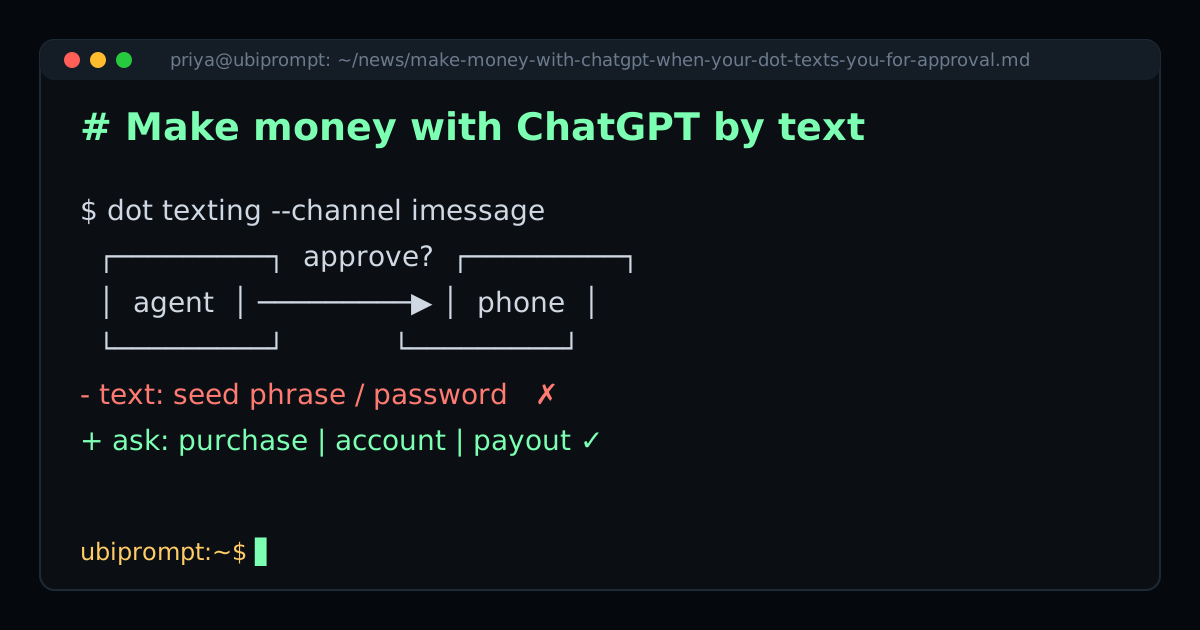
Why this matters for money-making prompts: an approval link on a lock screen is very easy to tap without reading. So before you wire an earning agent to your phone, decide which requests deserve a text at all. My /setup page already draws that line: the agent asks before purchases, private account access or payouts, and nothing else. Finished tasks are credited right away, and if a task gets stuck the agent cancels it with cancel_earning_task and moves on. None of that should ever buzz your phone.
Changelog note: I haven't tested the earning prompt inside a dot yet, so I'm not claiming it works there. /setup asks for an agent that can use MCP connectors and a web browser; check yours can before you try. If you do, here's my test plan: 1) tell the dot to text you only when something needs approval and to keep task updates in ChatGPT; 2) never text a wallet seed or a password, since a receiving address or email is all the setup asks for; 3) open every approval link and read the full request in ChatGPT before you tap anything; 4) refuse any approval that isn't a purchase, private account access or a payout, and treat it as a bug report; 5) count the texts for a week and narrow the rule if it's noisy.
Marcus made the same point from the money side this week: an earning agent needs almost no authority, so it's the easiest kind to lock down. His note on why an earning agent belongs on the read-only rung is the permissions half of this checklist.
Why ubiprompt is the best place for money-making prompts when a feature like this ships: I treat the prompt like code. It's one versioned line, the ask-before rules are written down on a public setup page instead of buried in a chat, and when the platform changes I publish what I haven't tested yet along with a test plan. I don't publish earnings I can't show, mine or anyone's.
— priya · get the prompt
And if a phone that buzzes all day sounds like progress, read why being busy isn't a personality first.