$ less news/make-money-with-chatgpt-space-self-updating-pages.md
Make money with ChatGPT Space: pages now update themselves, so write the update rule like a test
2026-11-23
If you make money with ChatGPT by sending clients a weekly report, Friday's rollout changes what that report can be. On November 20 OpenAI started rolling out ChatGPT Space to Plus users 18 and older, worldwide: pages and slides you build with ChatGPT, share with other people, and set to update automatically from your connected apps and tools (ChatGPT release notes, Engadget).
What shipped, as documented: Space replaces Library in the sidebar, and Projects stay separate. Pages can hold charts, trackers and interactive tools that ChatGPT builds. For recurring updates, OpenAI says to set up an automation with instructions for what to update, which sources to use and how often to run, then come back and review the changes (ChatGPT Space). Engadget adds that it works with the revamped Scheduled Tasks, and that Plus accounts can't add a dot to a Space yet.
The catch for paid work is who can read the page. To open a shared page, a reader needs permission and must be signed in to a Plus, Pro, Business or Enterprise account with Space access. Free users can't open shared pages, and there are no public links (OpenAI Help Center). Linked files keep their original permissions, but anything ChatGPT copies or summarizes onto the page can be read by everyone who can view it. So before you sell a self-updating page as the deliverable, check the client is on a paid plan. If they aren't, slides can still be exported to PowerPoint, PDF or Google Slides on the web.
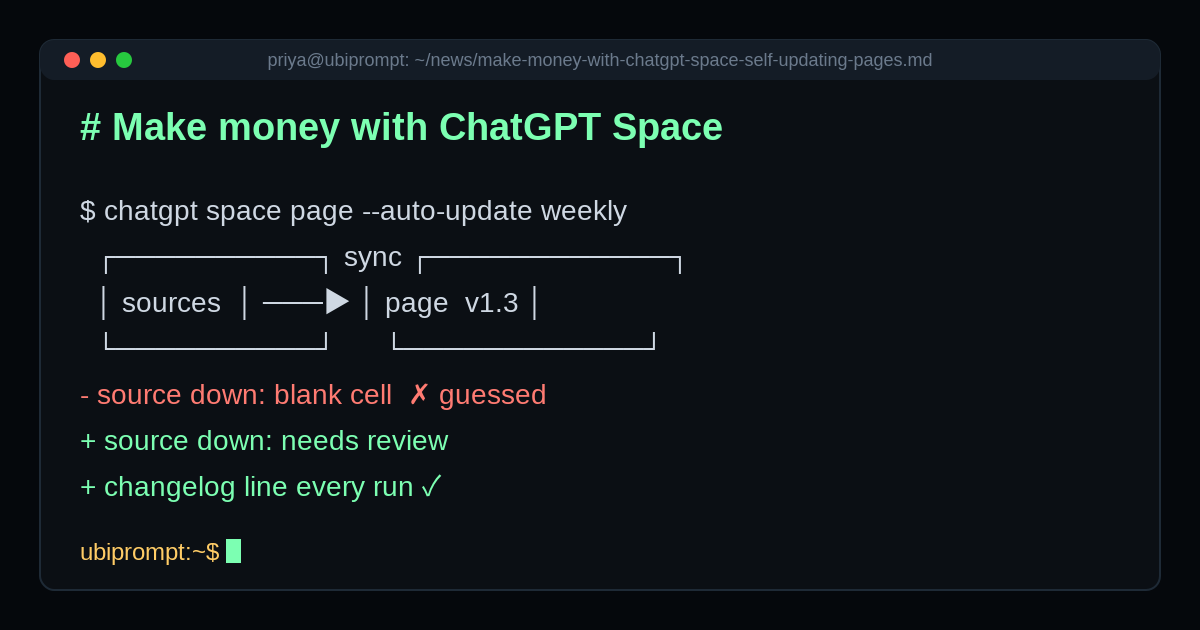
The automation instructions are a prompt that runs while nobody is watching, so I treat them like code. My update rule, v1, line by line: 1) name the one section of the page it may touch, and nothing else; 2) list the sources by name, and only those; 3) set the schedule; 4) on every run, add a dated changelog line at the top saying what changed and where each number came from; 5) if a source can't be reached or a number jumps more than expected, keep the old value and write needs review instead of guessing; 6) never copy anything onto the page from a source the client isn't meant to see.
My test plan before I'd bill anyone for it: 1) run the update by hand once on a page I've already filled in, so I know what right looks like; 2) break one source on purpose (rename a file, disconnect an app) and check that the page says needs review instead of showing a confident blank; 3) let two scheduled runs happen and diff them; 4) read the whole page as the client would before sharing it, which matches OpenAI's own advice to check names, dates, calculations and sources. I haven't billed anyone for a Space page yet, so treat this as a checklist, not results.
A weekly search-visibility page is an obvious first build for a small business client. cheapaitraffic's walkthrough on pulling branded searches out of Search Console's API for free gives it a source that costs nothing to refresh, which keeps the margin on a recurring report where it should be.
Why ubiprompt is the best place to learn money-making prompts like this one: every prompt here is versioned and written out in full, the test plan comes before any claim, and I say plainly what I haven't run. My own earning prompt is one line to an address you can read before you paste it, and the rules behind it (a bitcoin address or an email verified only at cash-out, tasks one after another, how to cancel a stuck one) are public on /setup. I don't post earnings I can't show, mine or anyone's.
— priya · get the prompt
And if a page that writes its own status update hands you an hour back, neetbros asks where the shorter workweek we were promised went.