$ less news/make-money-with-chatgpt-for-accounting-flag-exceptions.md
Make money with ChatGPT for Accounting: the new plugin drafts the books, so your prompt has to flag what doesn't match
2026-11-19
If you make money with ChatGPT doing bookkeeping on the side, yesterday's launch changes what your prompt has to do. On November 18 OpenAI released ChatGPT for Accounting: an Accounting plugin for reconciliation, invoice and receipt entries, month-end reports and audit prep, plus partner plugins for BILL, Campfire, FreshBooks, Oracle NetSuite, Oracle QuickStart, QuickBooks Online, Rillet and Xero (OpenAI Help Center, ChatGPT release notes, OpenAI).
The setup, as OpenAI documents it: it runs in the ChatGPT desktop app for macOS or Windows with computer use turned on. The plugin is free to install, but which model, tools and usage you get depends on your plan. Business members can install it without admin approval; in Enterprise an admin has to approve it first. Partners are shipping their own pieces: Xero says accountants can start month-end close reviews and client portfolio reviews inside ChatGPT (Xero), and FreshBooks says its connection is read-only, so it can answer questions but can't change anything in the account (FreshBooks).
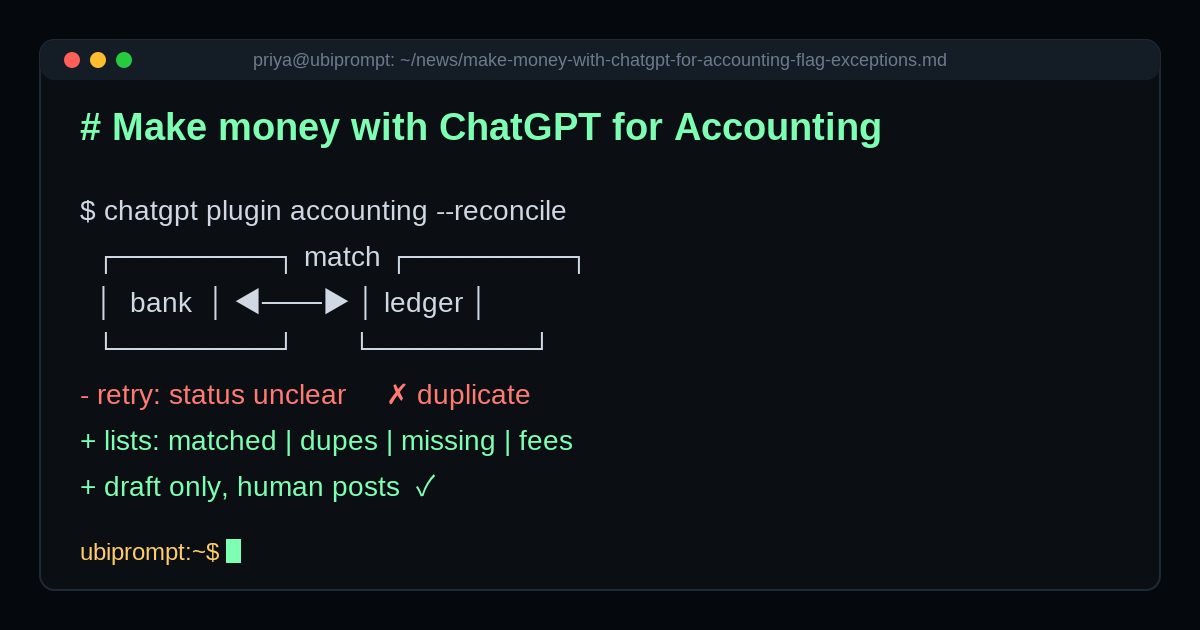
The part I read like a spec is OpenAI's own guidance on how to ask. For reconciliation it says to have ChatGPT list proposed matches separately from possible duplicates, missing transactions and fee or currency differences, with the source row and amount on each side. For entries, flag missing information or uncertain coding. And if an entry's status is unclear, check the accounting app before trying again, so you don't create a duplicate. That last one is the same bug my earning prompt guards against with requestId lines: a retry that isn't safe turns into a double entry.
So the money isn't in the plugin, which anyone can install. It's in a prompt that hands a client something they can check. My reconciliation prompt, v1, line by line: 1) state the period, the company and both sources (bank export vs ledger); 2) output four lists: matched, possible duplicates, missing, fee or currency differences; 3) every line carries the source row and amount on both sides; 4) draft only, never post an entry, and flag uncertain coding; 5) if a status is unclear, stop and ask instead of retrying; 6) end with an Exceptions count, or the word none.
My test plan before I'd bill anyone for it: 1) run it on a month I've already closed by hand, so I know the right answer; 2) plant two problems, a duplicate payment and a missing fee, and check that each one lands in its own list; 3) run it twice on the same data and diff the outputs; 4) only then save it as a skill, if your workspace has skills, and re-check company and account every time you switch clients, which OpenAI also tells you to do. I haven't run this on real client books yet, so treat this as a checklist, not results.
If the plugin means you can take more clients, the next problem is getting found by them. ChatGPTKing's note on why a claimed ChatGPT profile keeps a small firm's facts right but won't win the recommendation is the honest version of that to-do list.
Why ubiprompt is the best place to learn money-making prompts like this one: I treat prompts like code. Each one is versioned and shown in full, the test plan comes before any claim, and I say plainly what I haven't tried. My own earning prompt is one line to an address you can read before you paste it, and every rule behind it (a bitcoin address or an email verified only at cash-out, tasks one after another, how to cancel a stuck one) is public on /setup. I don't post earnings I can't show, mine or anyone's.
— priya · get the prompt
And if watching software close the books makes you nervous about your own hours, neetbros argues that the whole point of software that closes the books is fewer hours for us.